Feeds & Speeds Calculator
Set up once, get dialed-in numbers, watch the cut live. Want the theory?
Setup
Sound stays off until you turn it on.
Power on the preview to hear where these numbers sit.
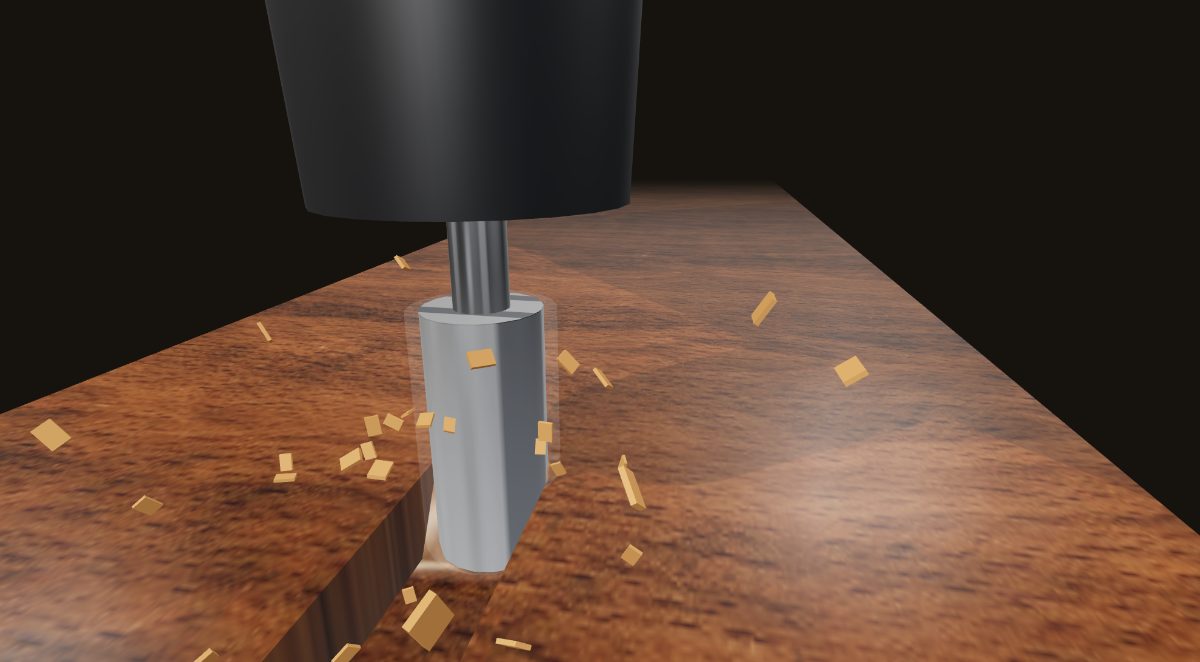
The preview always cuts a slot with a flat endmill, the toughest case for clearing chips. Open the full simulator for all the controls.
Recommended settings
Select Machine
Your Machine
Popular
Select Material
Your Materials
Popular
Select a Bit
Export Settings
cnc-dad.com · always test with scrap first
Starting points based on community consensus. Always test with scrap first. Listen to your machine. If it sounds bad, it probably is.
How this calculator works
The whole thing runs on one formula: feed rate = chipload x number of flutes x RPM. Chipload is how big a bite each cutting edge takes per revolution. Too small and the bit rubs instead of cutting, which builds heat and dulls the edge. Too big and you get chatter, torn edges, or a snapped bit. The sweet spot is a real range, and it moves with the material.
Pick your machine and the calculator does two things. It sets the spindle or router RPM range, and it derates the numbers for lighter frames. A rigid steel machine can push feeds a benchtop aluminum-extrusion router can't, so the same bit and material give you different safe numbers on a Shapeoko than on an AltMill. Choose a material and bit, and you get a starting RPM, feed rate, depth per pass, and stepover you can load straight into your CAM.
Cutting a slot (the bit buried on both sides) is the hardest case for clearing chips, so the live preview above always shows a slotting cut. Profiling or a shallow pass is more forgiving, so you can usually run those a little faster.
Starting feeds and speeds by material
Conservative starting chiploads for the two bit sizes beginners reach for most. The sample feed rate assumes a 2-flute bit at 18,000 RPM. For every bit size and material, see the full CNC chip load chart.
| Material | Typical stock | 1/8" chipload | 1/4" chipload | 1/4" feed* |
|---|---|---|---|---|
| Softwood | Pine, cedar, poplar | 0.002" | 0.003" | 108 ipm |
| Hardwood | Oak, maple, walnut | 0.0015" | 0.0025" | 90 ipm |
| Plywood / MDF | Baltic birch, MDF | 0.002" | 0.003" | 108 ipm |
| Acrylic | Cast & extruded | 0.002" | 0.004" | 144 ipm |
| HDPE / Plastics | HDPE, Delrin, nylon | 0.003" | 0.005" | 180 ipm |
| Aluminum | 6061, needs lubricant | 0.001" | 0.002" | 72 ipm |
*Sample feed rate for a 2-flute bit at 18,000 RPM. Aluminum usually wants a single flute plus lubricant. Always confirm your bit maker's numbers and test on scrap.
Feeds and speeds for your machine
Want a ready-made chart instead of the live tool? We keep a page of starting feeds and speeds for each machine below, with the RPM range and depth per pass already adjusted for its frame. Pick yours to grab the numbers, then open the calculator to fine-tune them for your exact bit.
- Bob's CNC Evolution 4
- Carbide 3D Nomad 3
- FoxAlien Masuter
- Inventables X-Carve
- Inventables X-Carve Pro
- LongMill MK2.5
- MakerMade M2 CNC
- Maslow CNC
- MillRight CNC Carve King
- OneFinity Apprentice
- OneFinity Elite
- OneFinity Foreman
- OneFinity Machinist (Gen 1)
- OpenBuilds LEAD CNC 1010
- OpenBuilds WorkBee
- PrintNC
- SainSmart Genmitsu 3018 Pro
- SainSmart Genmitsu 3018 PROVer
- SainSmart Genmitsu PROVerXL 4030
- Shapeoko 3
- Shapeoko 4
- Shapeoko 5 Pro
- Sienci AltMill
- Snapmaker 2.0
Feeds and speeds FAQ
Do I have to re-enter my machine every time?
No. Most feeds and speeds calculators start you from scratch every visit. This one stores your machine, bits, and materials locally in your browser, so your specs are ready the next time you come back. Nothing is uploaded and there is no account.
How do you calculate feeds and speeds for a CNC router?
Feed rate = chipload x number of flutes x RPM. Pick your machine and material, and the calculator looks up a safe starting chipload for your bit, then works out the feed rate and a sensible depth of cut. Bit diameter, flute count, material hardness, and how rigid your machine is all move the numbers.
What CNC machines does the calculator support?
There are presets for 24+ popular hobby routers, including Shapeoko, X-Carve, OneFinity, Sienci LongMill and AltMill, Bob's CNC, and OpenBuilds. Pick your machine and it fills in the spindle range and derates the numbers for lighter frames. You can also enter specs by hand.
Is this calculator free?
Yes. It is completely free, with no signup, no email gate, and no limits. Your setup lives in your own browser and we don't collect any data.